You are able to see the last group of items imported using Supplier Integration via the View Items Imported function, seen in the navigation.
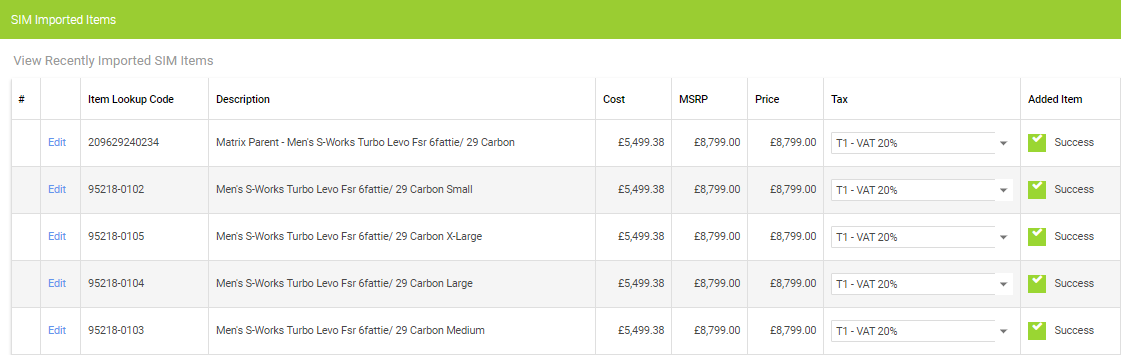
You will either see a Success status, under Added Item:
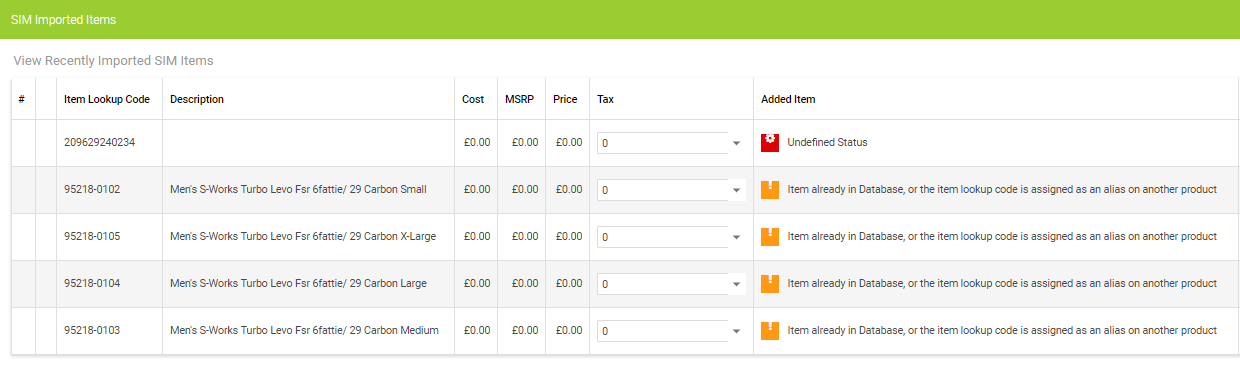
Or, Item already Database:
You are able to see the last group of items imported using Supplier Integration via the View Items Imported function, seen in the navigation.
You will either see a Success status, under Added Item:
Or, Item already Database:
Workshop 2.0 // How do I print a 40-Col receipt from the Workshop Module?
Where can I view and manage my Customer Orders in the Back Office?
Workshop Module // How do I view a Workshop Job status at POS?
How do I cancel a customer order or quote?
How do I create a customer order or quote?
How do I refer a customer for VeloLife insurance?
How do I change the transaction type?
Workshop 2.0 // Understanding the icons and colour coding
How do I close a batch with a Z Report?
Haven't found the answer you're looking for? Contact Support
